
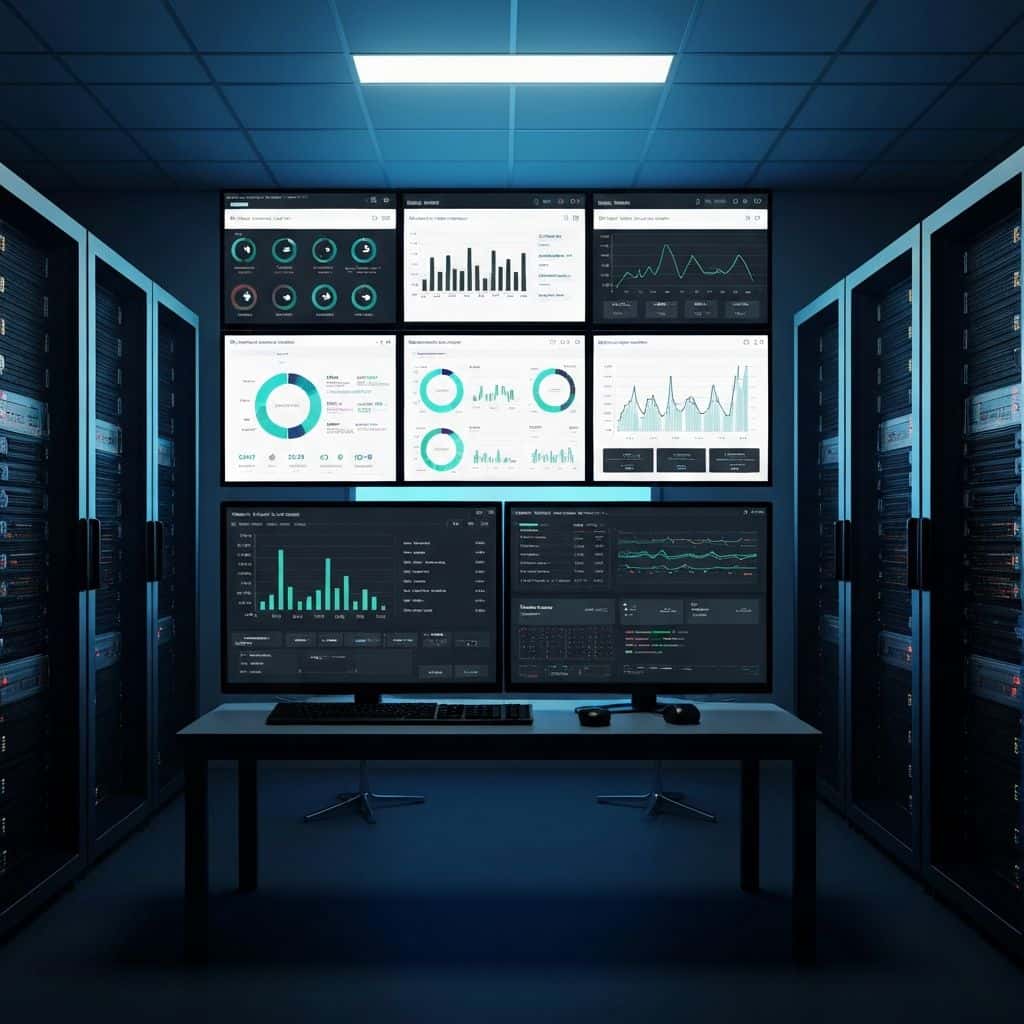
Civioniks access for active Starmass project teams.
Civioniks is the access path for authorized project dashboards, live interfaces, reporting workflows, and support routing associated with active Starmass work.
Live
project visibility for authorized teams
Role-based
access aligned to scope and responsibility
Verified
project relationship checked before routing
One entry point for dashboards, reporting, and project support.
Different projects require different levels of visibility. Some clients need live dashboard access. Others need support with reporting cycles, scheduled updates, document flow, or escalation to the right team.
Civioniks
Project dashboard
Dashboard access is controlled by project relationship.
This page does not expose project data directly. It routes authorized users to Civioniks or to the right Starmass support contact.
Live project dashboards
For authorized organizations associated with active monitoring, reporting, or digital-delivery programs.
Project support
For reporting cycles, scheduled updates, data review, coordination questions, or escalation to the right team.
Access verification
Project visibility is controlled according to scope, role, authorization, and verified project relationship.
How access is handled.
Project visibility is controlled according to scope, role, and authorization. Access is provided only where a legitimate project relationship can be validated.
Submit the request
Provide your organization, project context, and the type of access or support required.
Relationship is verified
The request is checked against the project, authorization level, and internal contact pathway.
Access is routed
The authorized user is directed to Civioniks, project support, or the correct next-step process.
Active project user? Continue to the dashboard login.
If you do not yet have access, email Starmass with the project name, organization, user role, and access need.